
Overview
Springboards isn’t just built for solo sparks — it’s built for creative collaboration. The best work comes from brains bouncing off each other.
How to make the most of Springboards together:
-
Open your Canvas Panel
-
Share a Canvas
-
Drop Comments
-
Cursor Tracking & Voting
Open your Canvas Panel
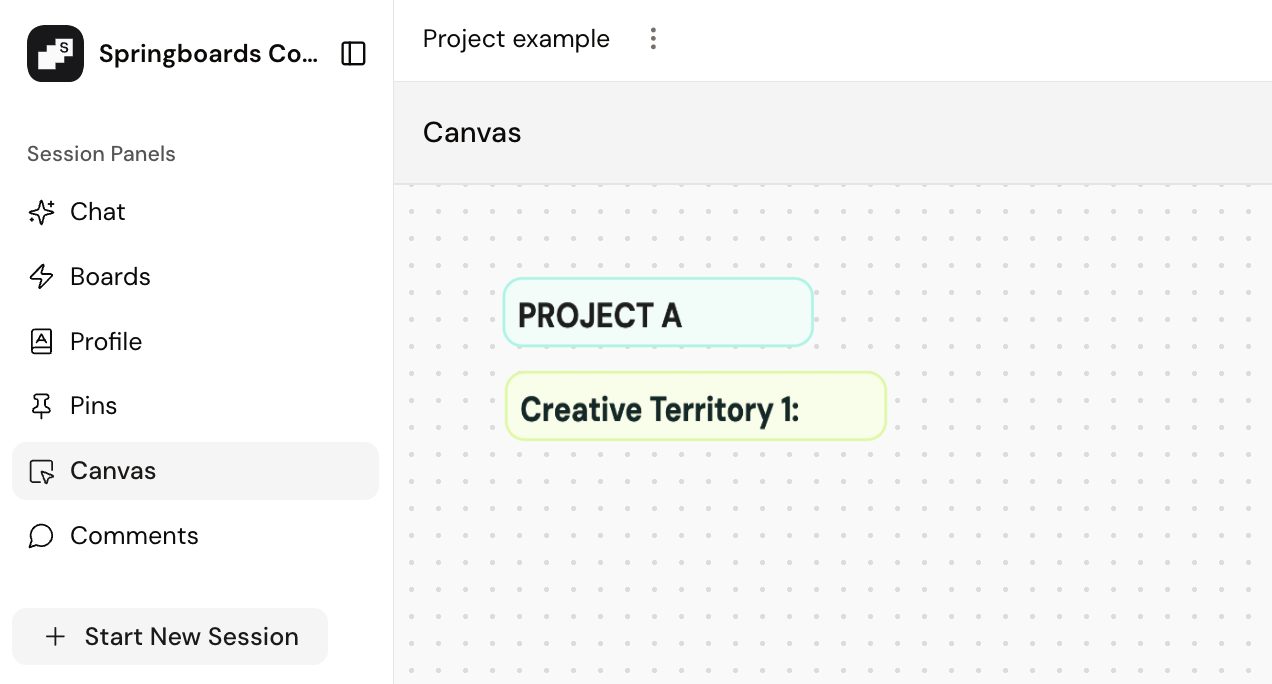
Select the Canvas panel to open your Canvas. This opens up a shareable space where you can map ideas, move Pins around, and build thinking together in real time.
Share a Canvas
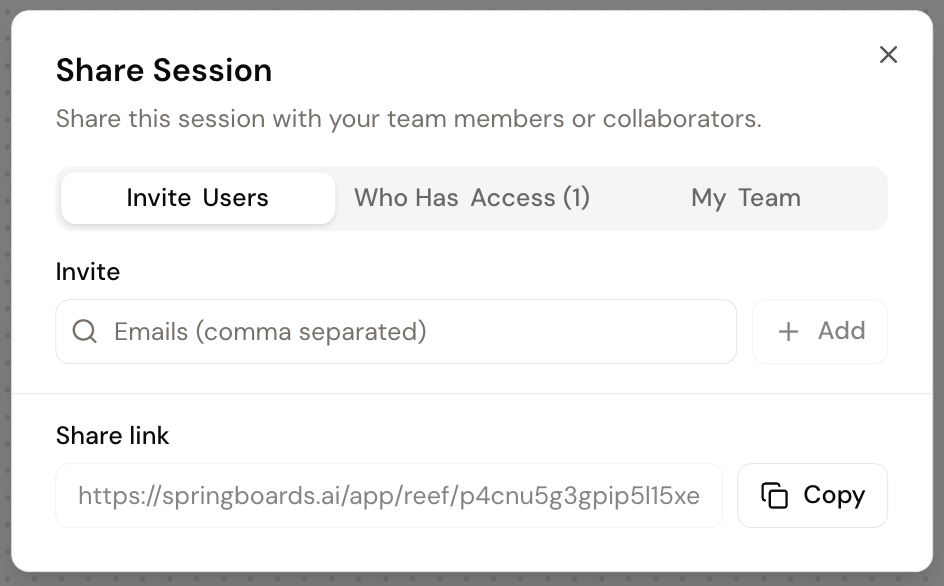
Click Share in the top-right corner of your Canvas and invite others to join — just add their email and they’re in. No overcomplicated logins.
If they’re Springboards users, they can add Pins, use the Springboards engine and build alongside you. If not? No problem — they can still jump in and leave comments, drop stamps and interact to keep the momentum going.
Drop Comments
Comments are the backbone of co-creation — they help shape thinking and keep ideas moving. Anyone can join a Canvas and add comments, even if they’re not a licensed Springboards user.
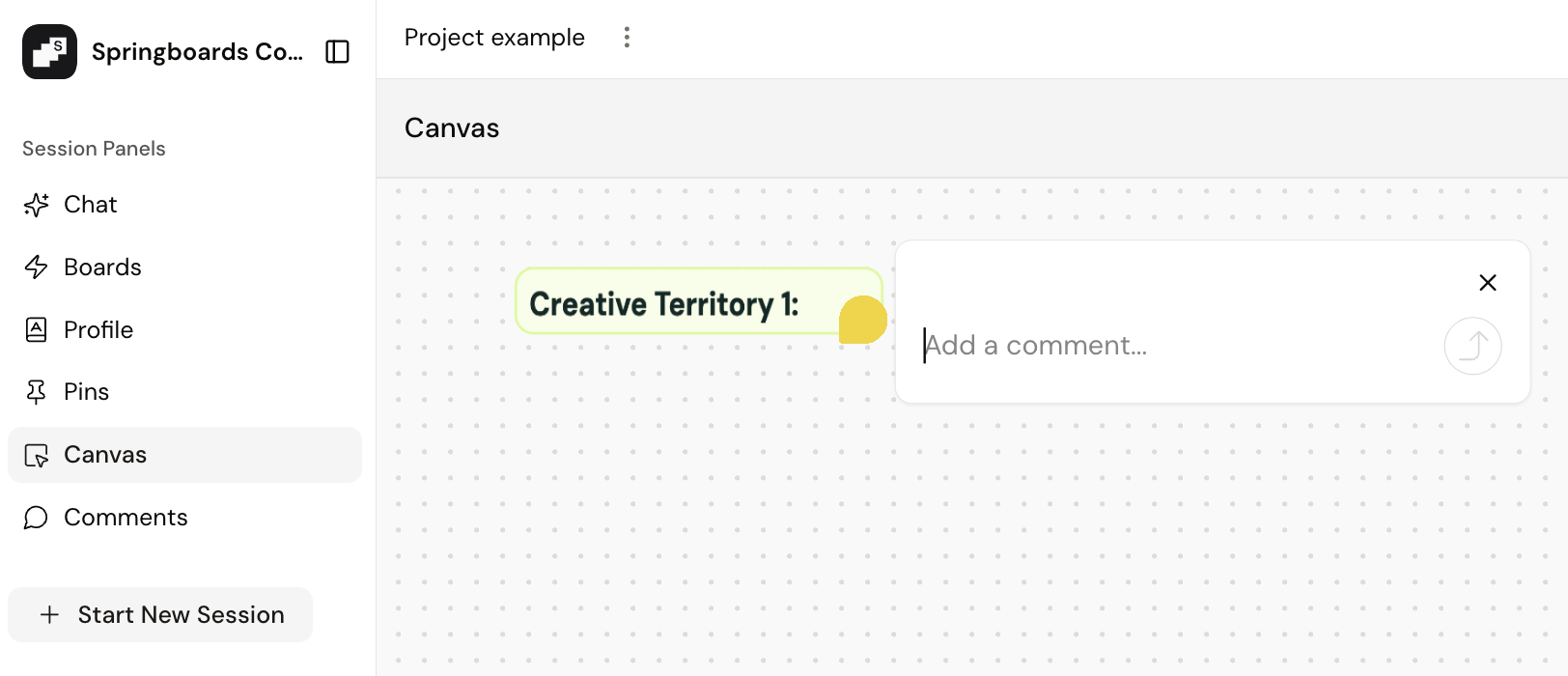
Once you're in the Canvas, here’s how to comment:
- Click the speech bubble icon to open a new comment box or view all existing comments.
- Tag your comment to any Idea Card on the Canvas to keep feedback connected and context clear
Cursor Tracking and Voting
See where everyone’s pointing in real time with cursor tracking — great for live sessions. Use voting to quickly gather feedback, gut checks, or pick a direction when the team’s torn.