Overview
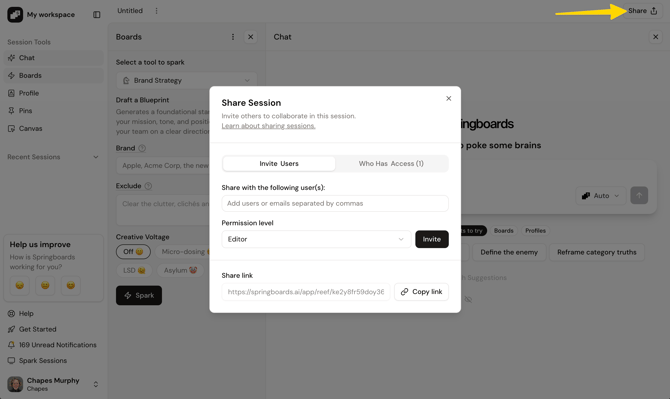
A session functions like a mini project folder that you use to generate and collaborate on ideas for a specific task or project at hand. The main features of the app are independent panels which you can toggle on or off depending on the task at hand.
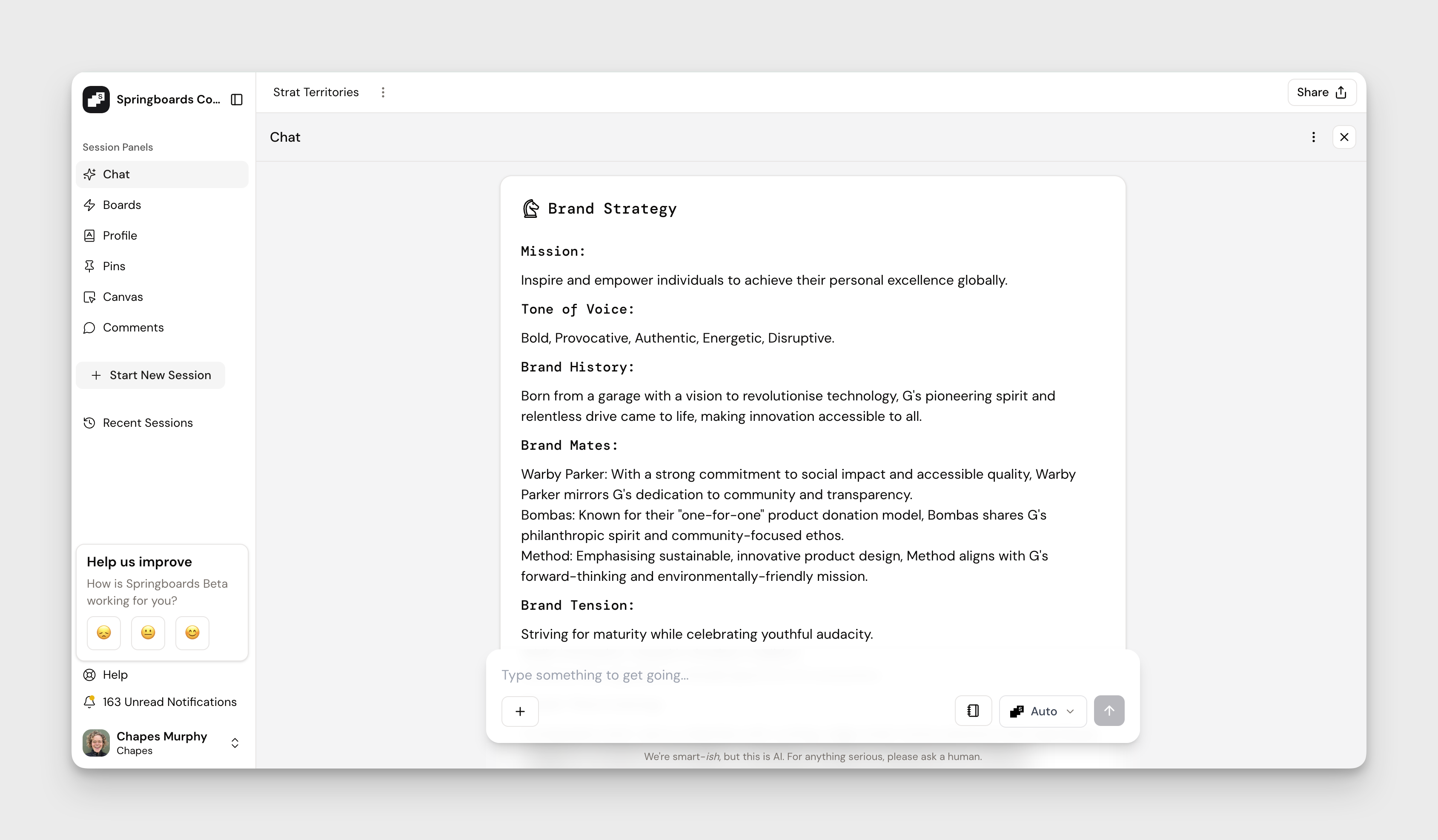
Session Panels
These are the main features available to use within a session.
Chat
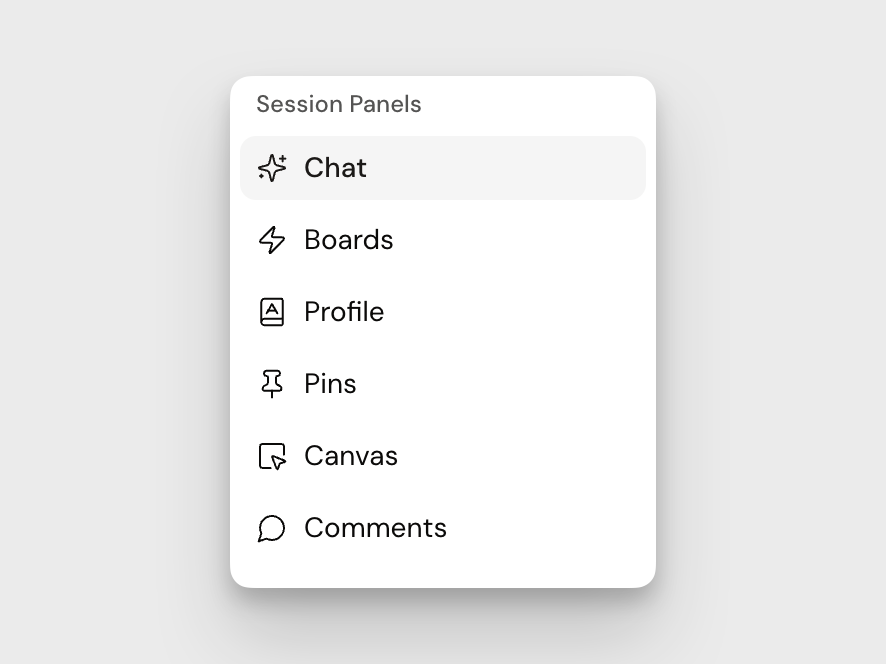
This is the main AI chat and where board outputs currently appear. The AI chat has access to a number of tools including:
- Searching the web
- Searching the Canvas
- Generating images
- Searching the campaign library
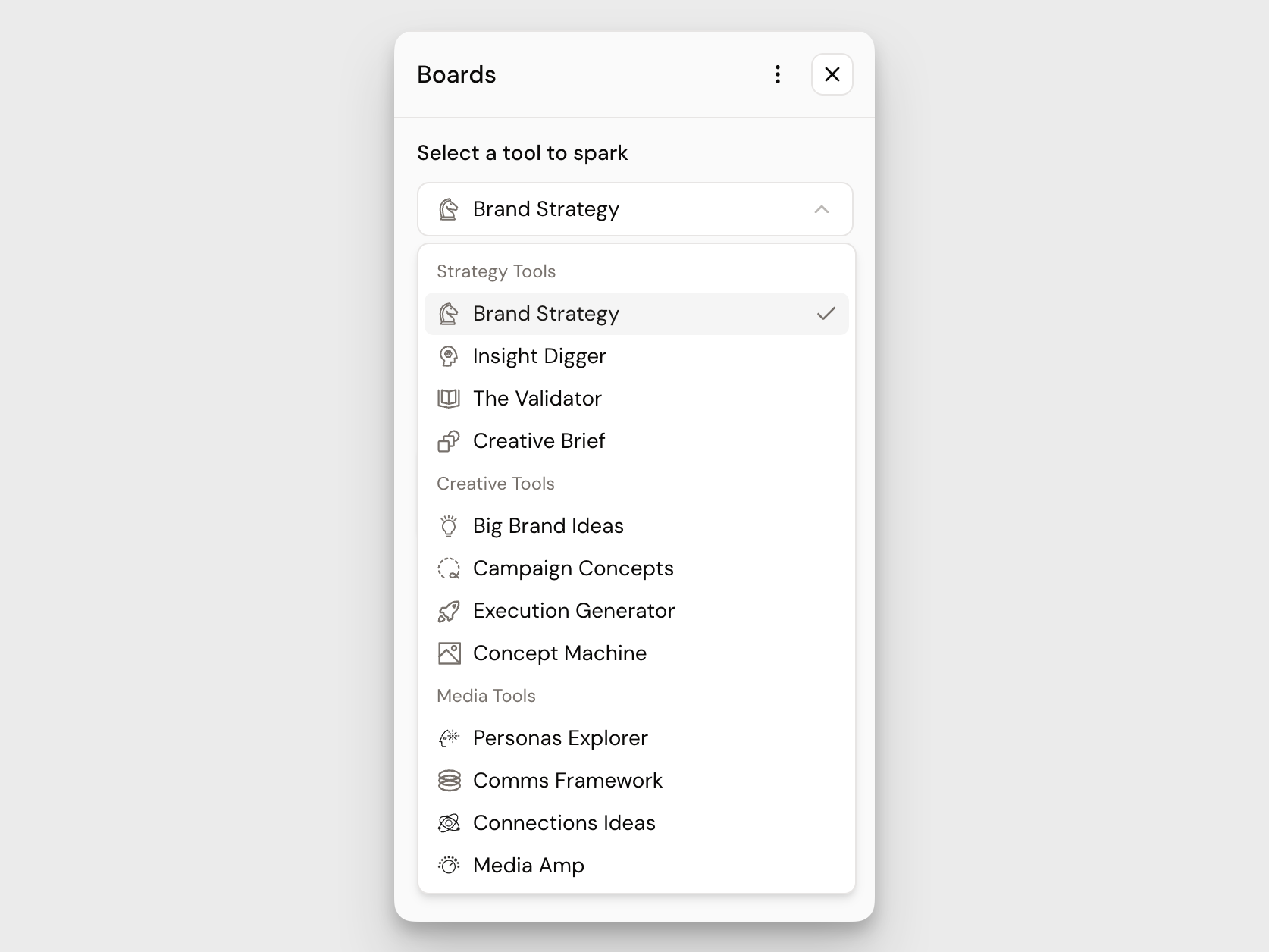
Boards (or Springboards)
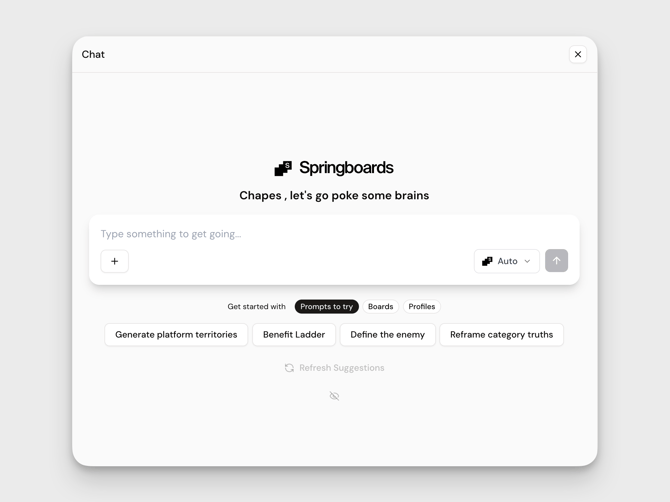
The collection of custom prompts that generate strategic and creative outputs. You are able to create custom boards and share them with other users in your workspace.
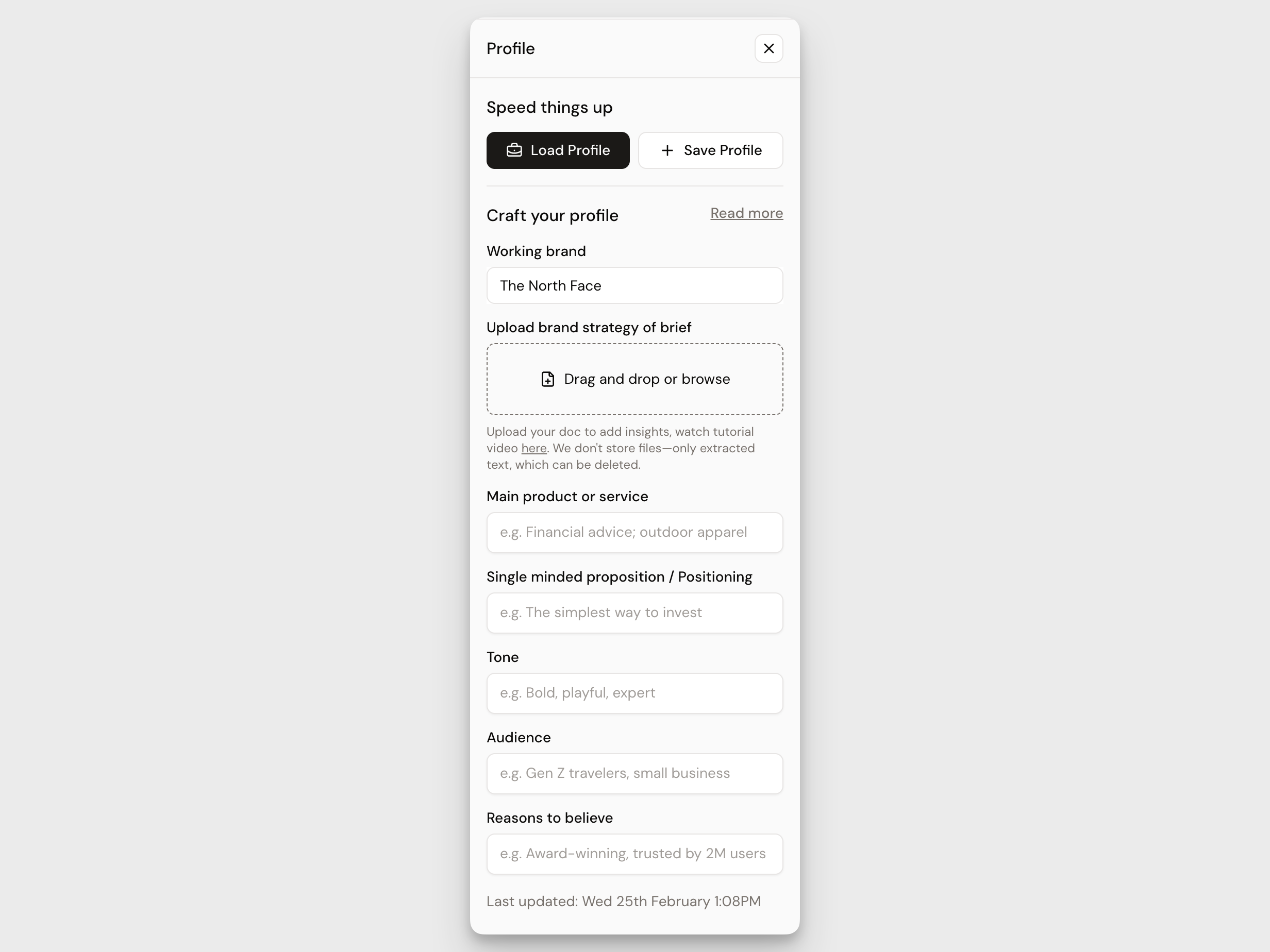
Session Instructions
Reusable context that customises AI-generated outputs similar to a system prompt. The more detail you give, the sharper your outputs will be.
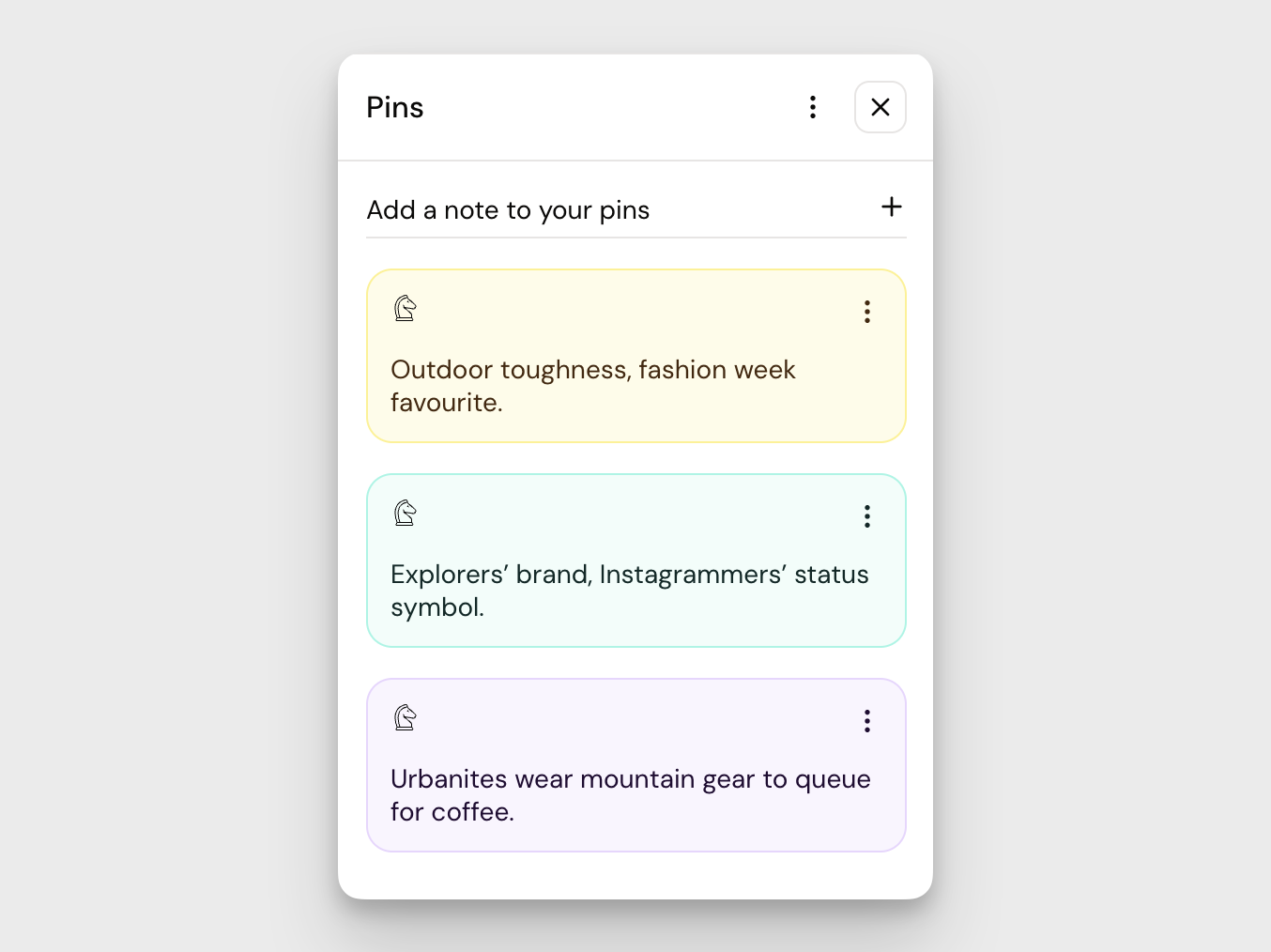
Pins
Snippets of text either from highlighting outputs in the chat panel or manually entered. Can be reused in Chat, Boards, or the Canvas.
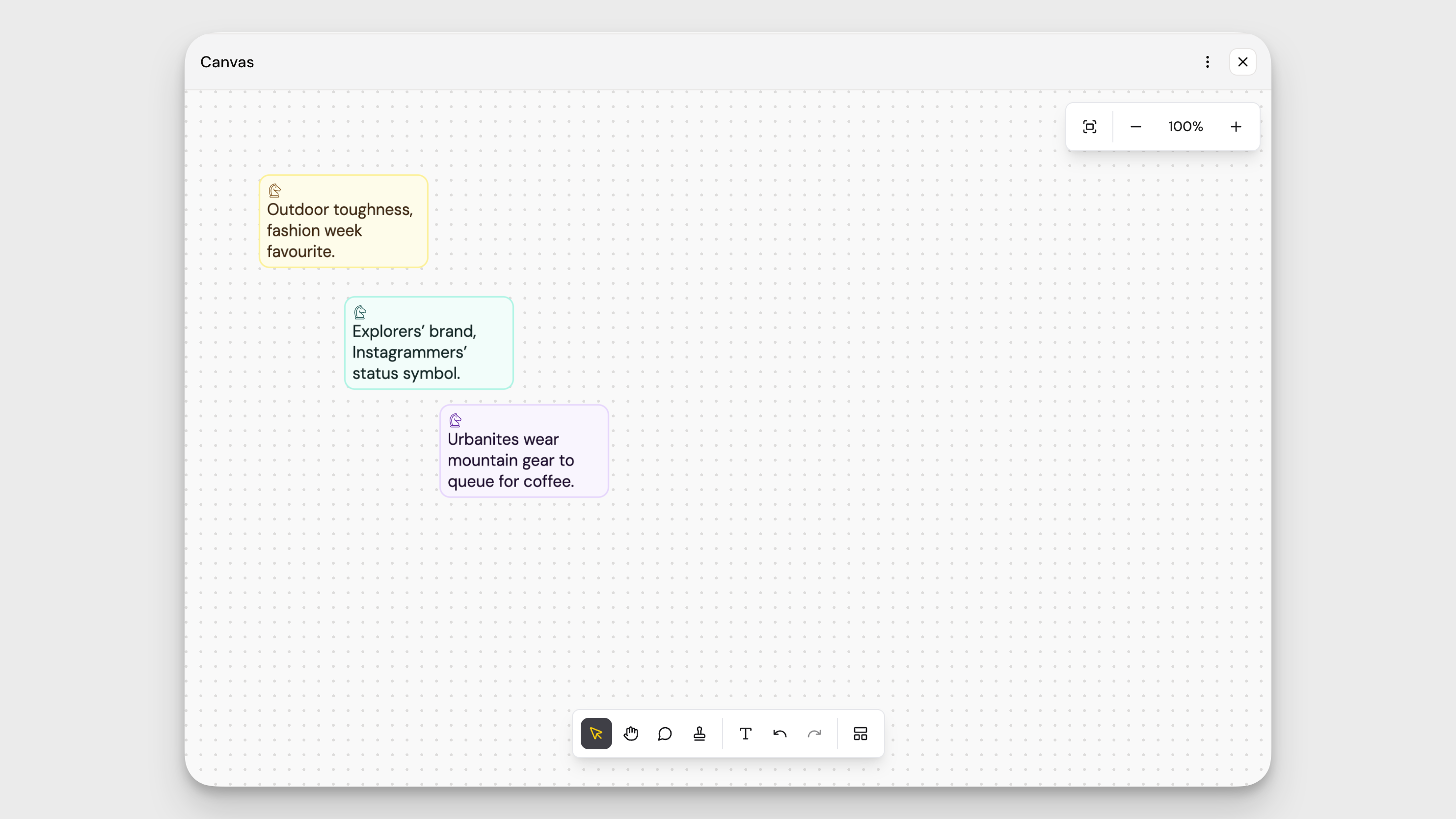
Canvas
The infinite whiteboard where you can add the following canvas objects:
- Pin
- Stamp
- Comments
- Textbox
- Image
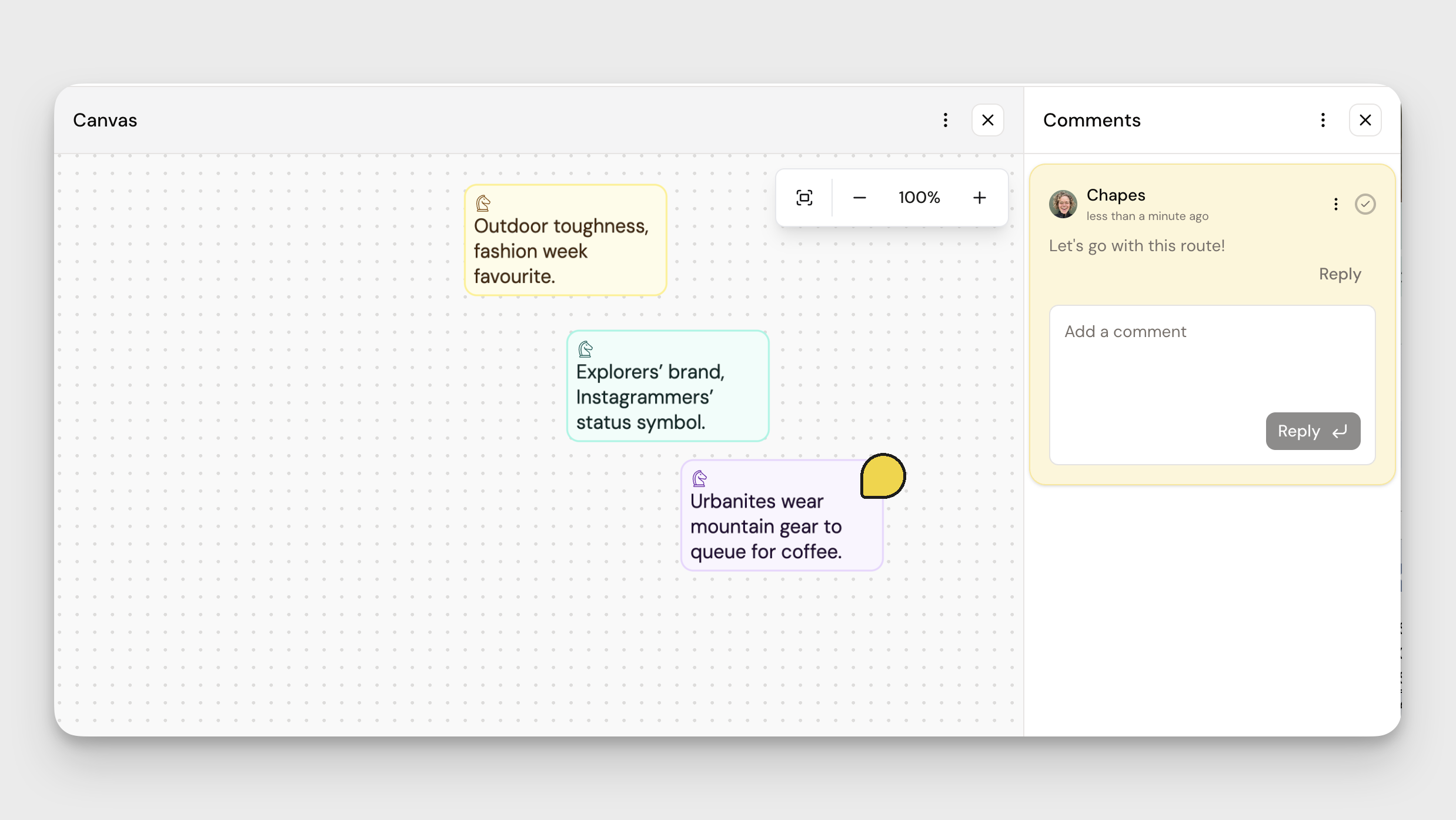
Comments
A place to view all of the comments added to the Canvas panel
Collaborating on a session
Great ideas die in the dark. Sessions in Springboards were built with collaboration in mind.
Learn about sharing sessions