Springboards is your thinking partner, built to help you uncover sharper insights, explore braver ideas, and turn sparks into structured direction.
There's no one right way to use the platform. It's customisable to the way your brain likes to work. Below we've outlined a few of the basic steps to get going until you develop your own rhythm.
Start in Chat
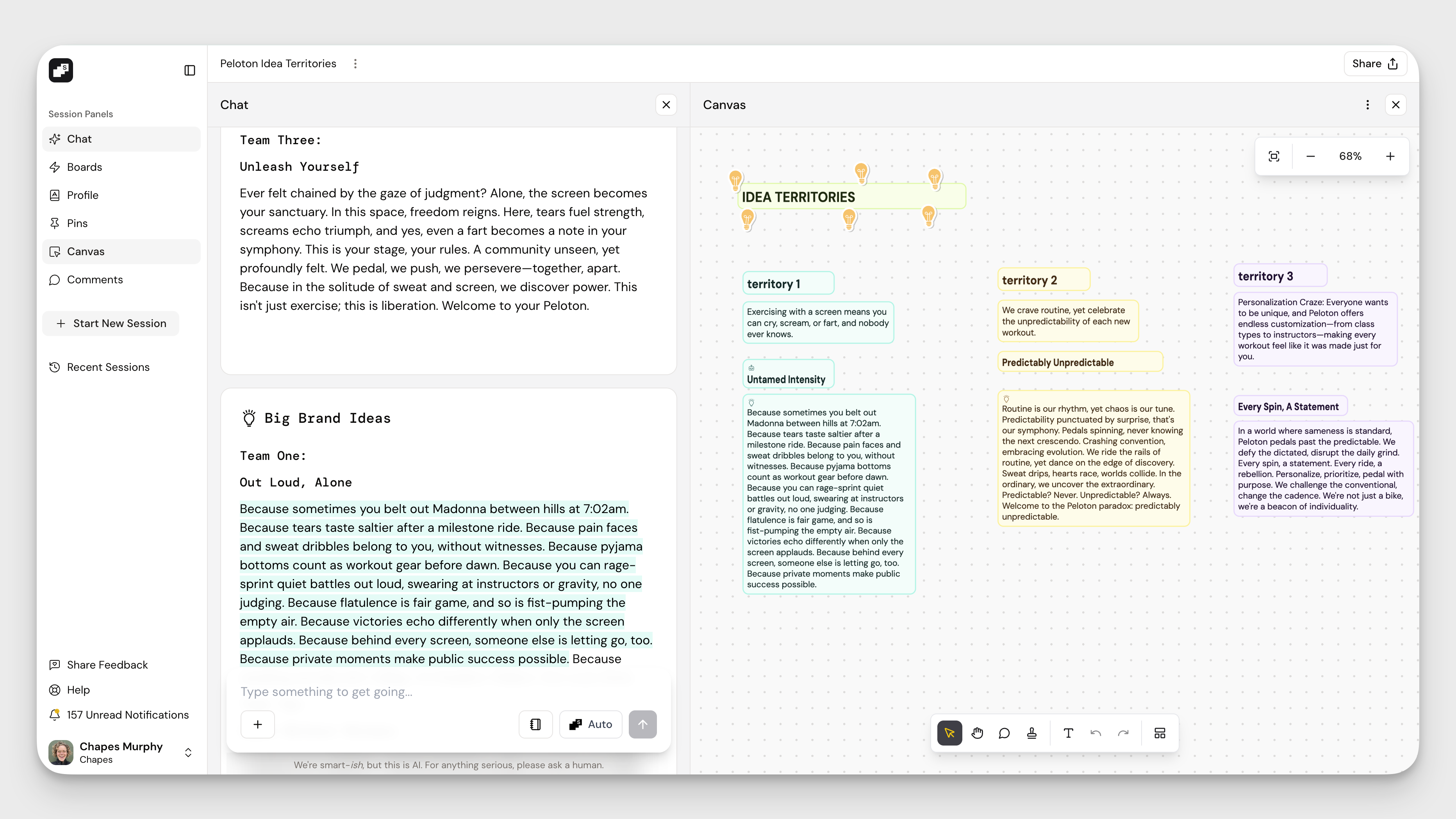
Every session opens in Chat for a reason. It’s where you can explore freely before locking into structure.
Drop in a question, paste a rough brief, upload research, or hit Spark to see what opens up. Use the + button to add files, search the web, search your Canvas, create an image, or pull case studies from the campaign library.
If you want your work grounded in brand context, toggle on your Profile using the notebook icon.
Chat is where ideas stretch. Boards are where they sharpen.
Use Boards as Specialist Tools
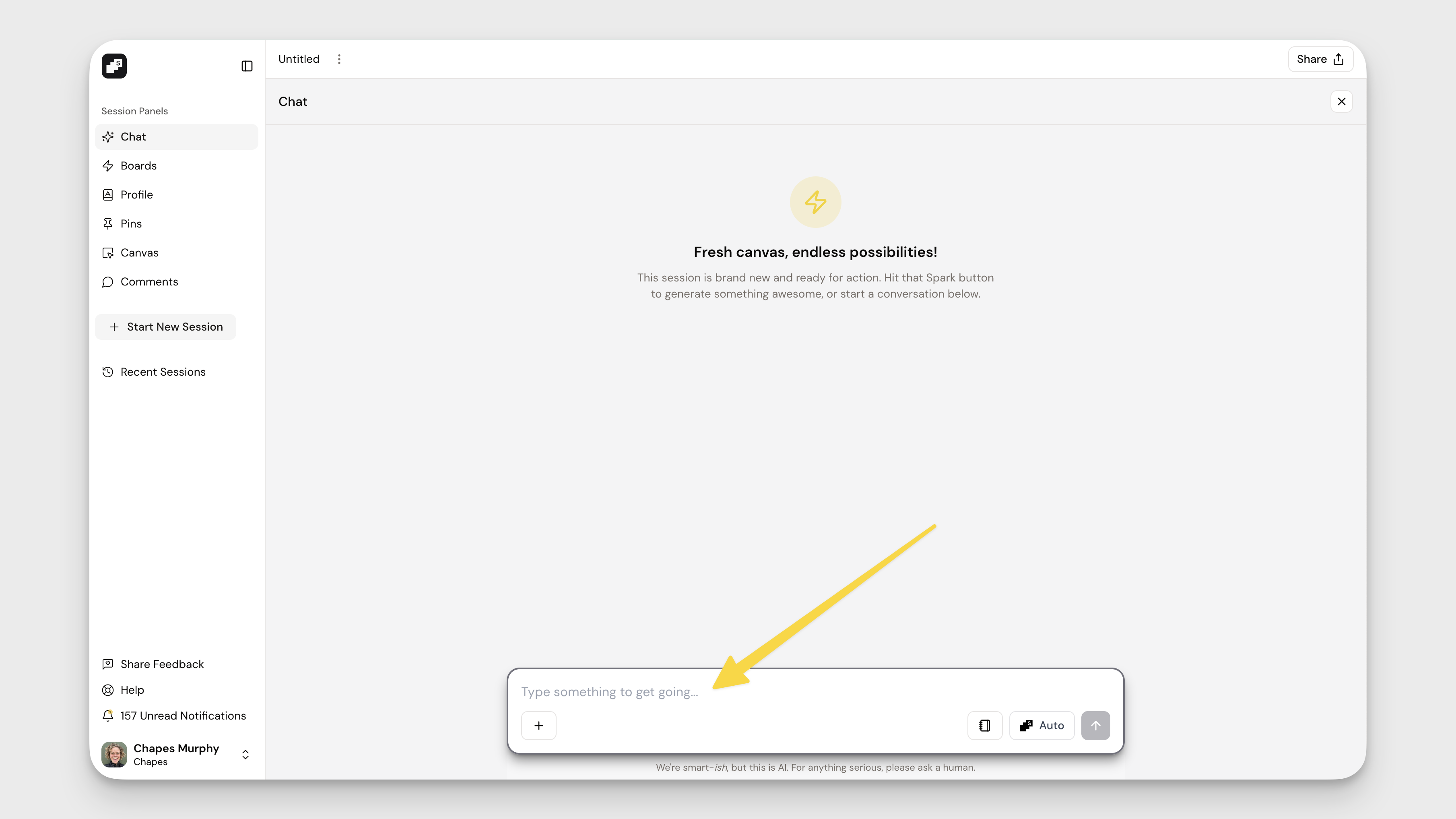
When your thinking needs direction on a focused task, open Boards.
Each Board helps you move from loose exploration to something more defined. Whether you’re mining for insight, stress-testing a territory, or shaping a creative brief, Boards help you apply structure without killing momentum.
Spark multiple times. Compare angles. Push the thinking further.
Capture What Matters
Great ideas move fast. Save the best ones.
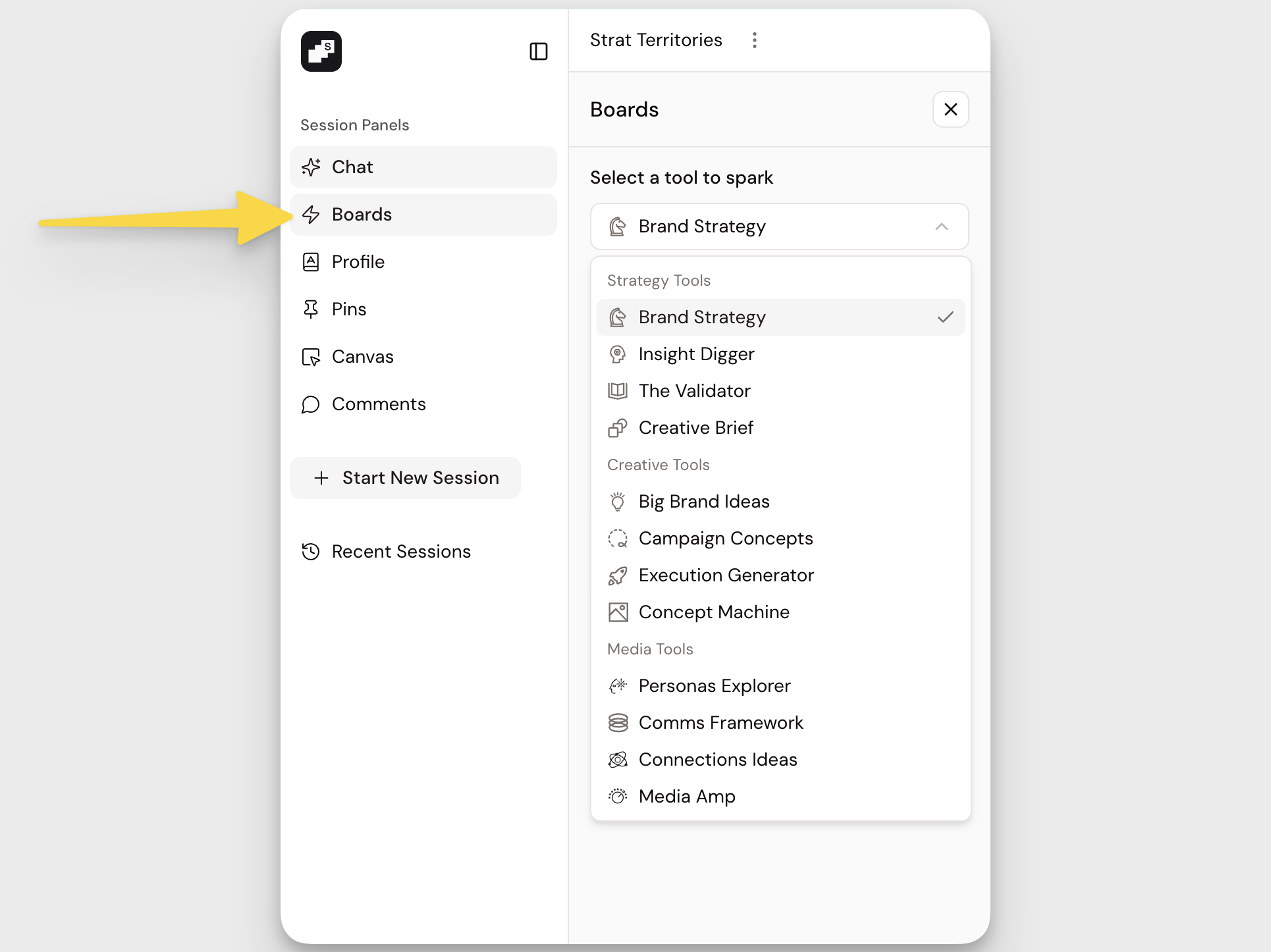
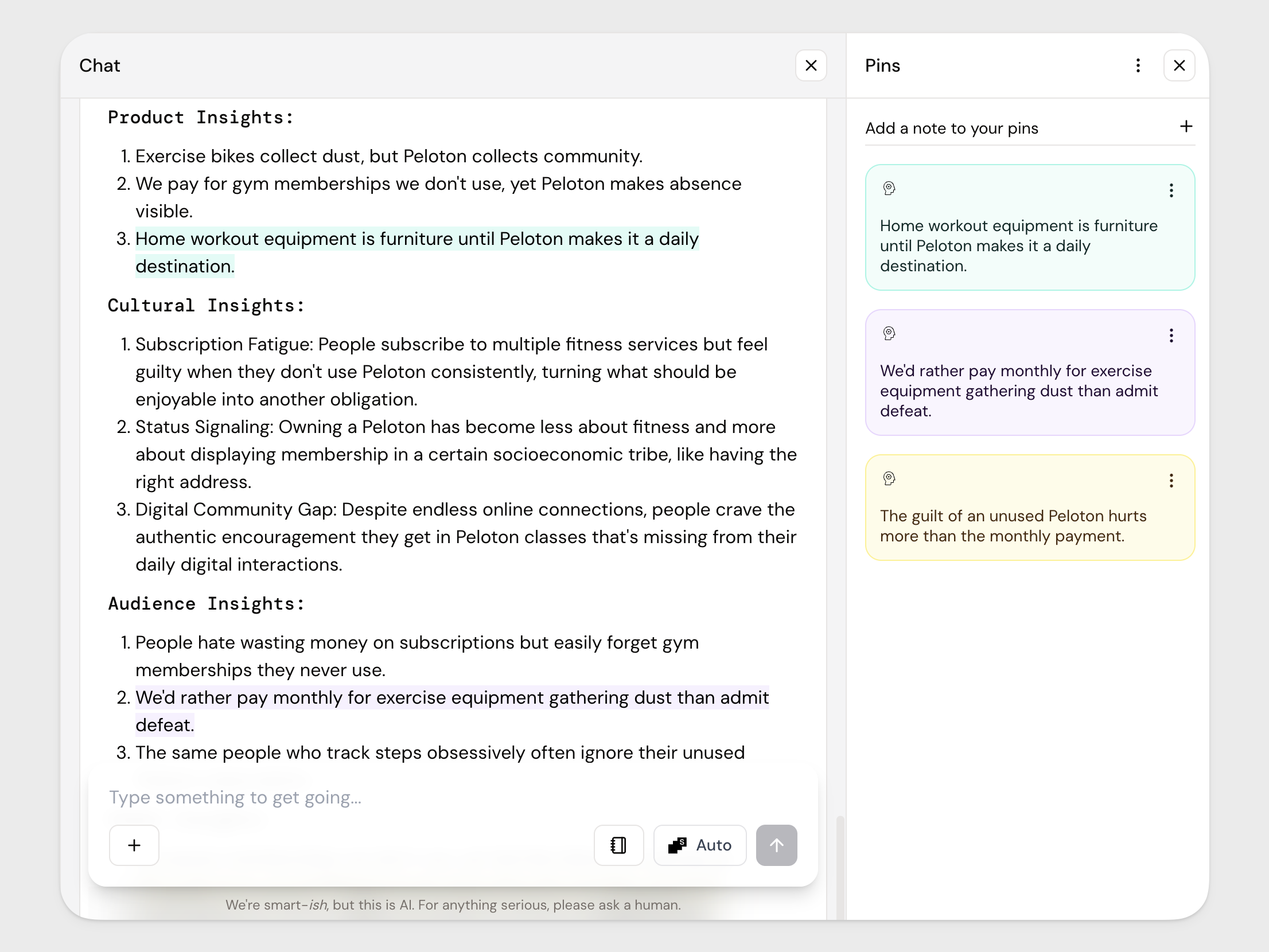
Highlight any text in Chat and a Pin option will appear. Click it to save the idea to your Pins panel. The text stays highlighted in the Chat feed, and the highlight color matches the Pin color you assign, making it easy to track themes and territories visually.
If you want to move quickly, you can also drag highlighted text directly into Canvas without creating a Pin first.
Use Pins when you want to collect and organise ideas. Drag when you just want to move fast.
Build in Layers
Start broad in Chat. Add structure in Boards. Capture strong thinking as Pins. Organise it in Canvas.
When you want to evaluate or strengthen what you’ve built, click the + button in Chat and select Search Canvas. Ask it to summarise, spot gaps, compare territories, or turn fragments into a clear narrative.
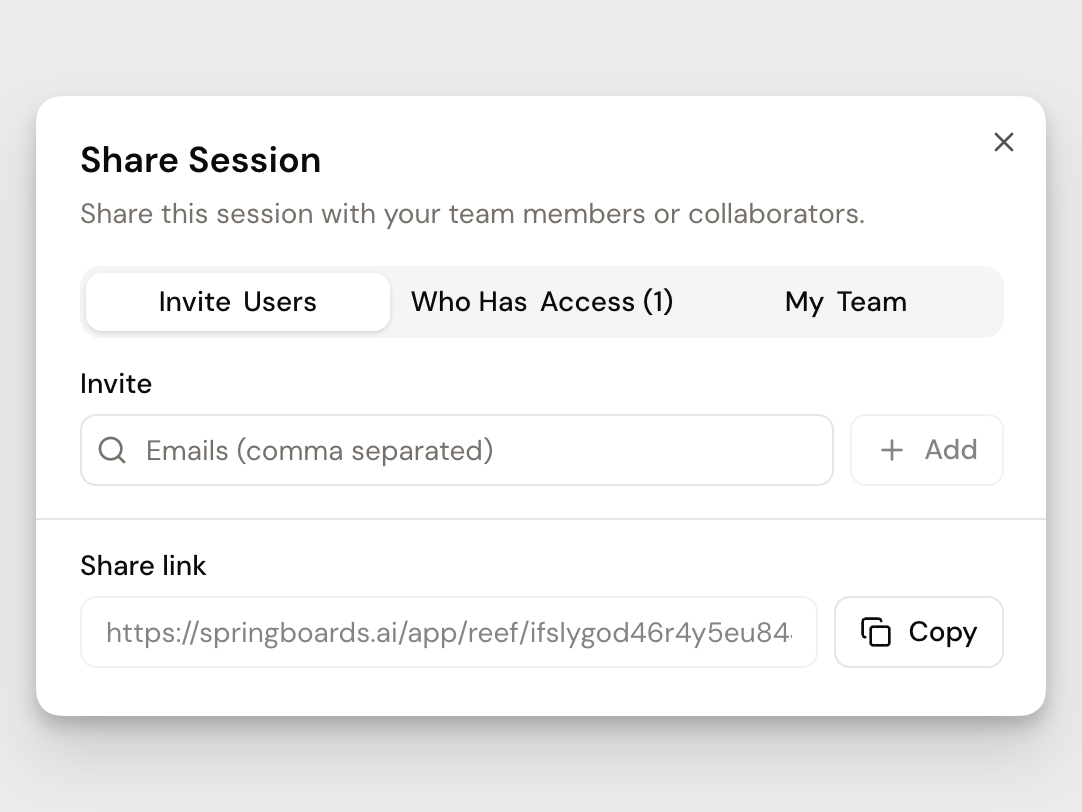
Then invite your team in using Share and build together.