Overview
You’ll find Profile in the left-hand navigation under Session Panels.
This is where you add the context that guides Springboards throughout your session. Drop in a client or project brief, define your positioning and tone, and shape the strategic foundation before you start generating.
Profiles can be saved and shared across your team to keep everyone aligned and on-brief.
🎥 Watch a Profiles walkthrough here:
What You Can Do in Profiles
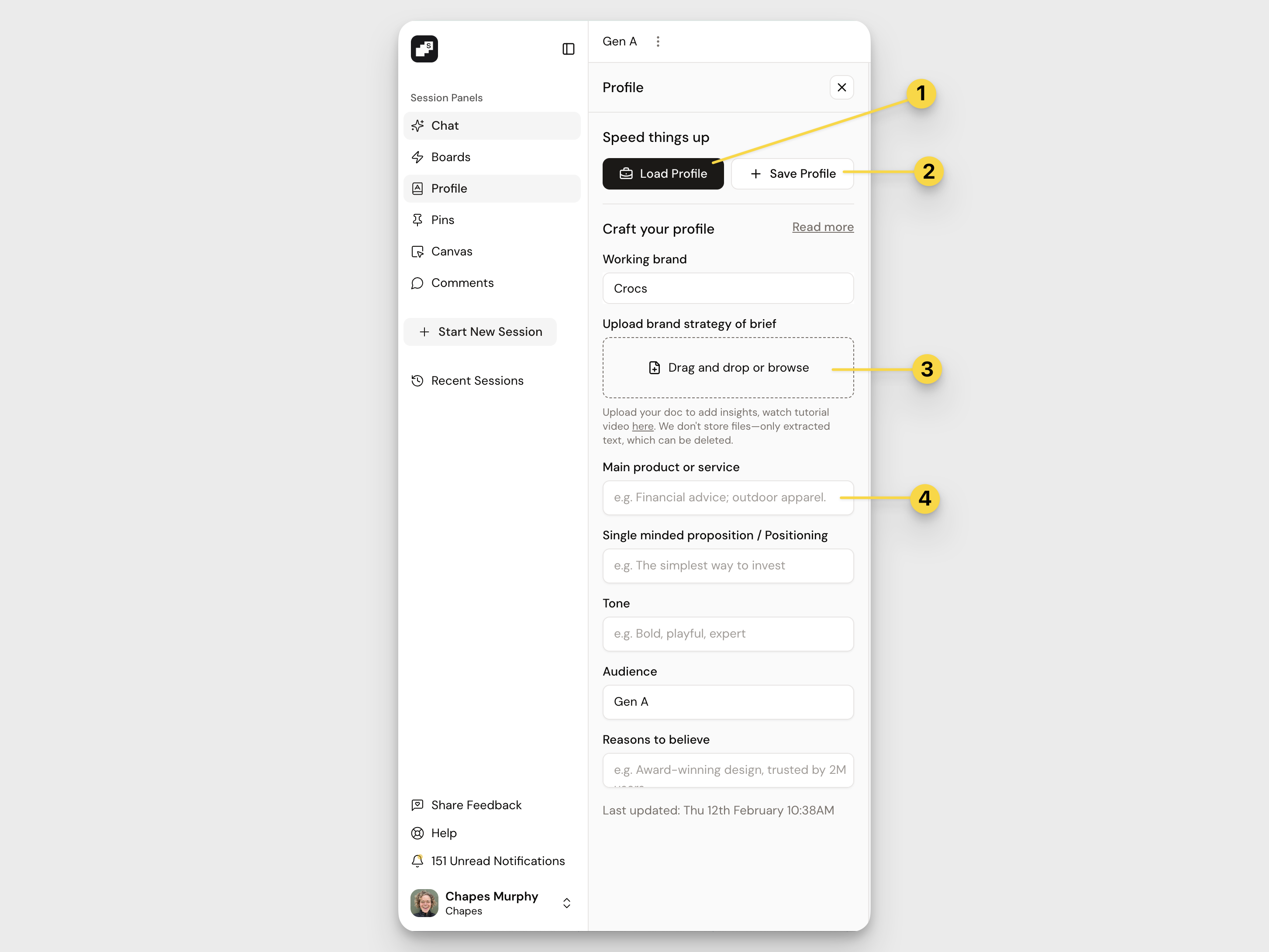
- Load Profile: Quickly apply a saved or shared Profile to your current session.
- Save Profile: If you’ve created a setup that works well, save it for reuse in future sessions or share with your team.
- Upload a brand strategy or brief: Drag and drop a document to extract key insights. (At the moment, Profiles support uploading one document at a time.)
- Fill in structured fields: Use the structured fields to add key details like your working brand, main product or service, single-minded proposition/positioning, tone, audience, and reasons to believe. The more specific you are here, the sharper and more aligned your outputs will be.
Note: Profiles only support uploading 1 pdf document at the time. Use the additional fields below the document to add more details if required.
How to Save Profiles
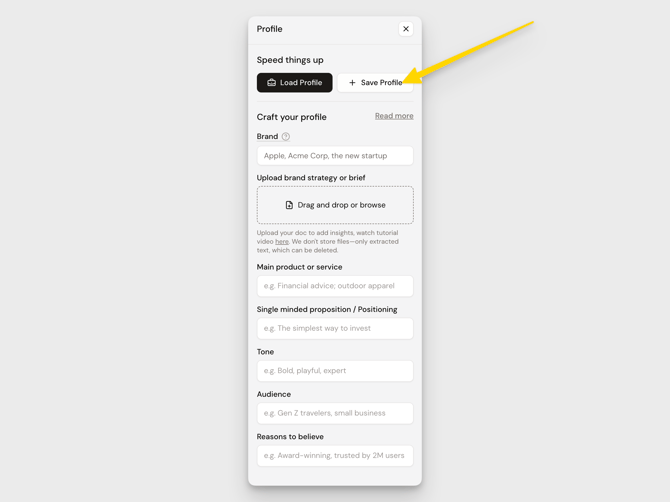
Once your Profile is set, it will act as the guiding context for your entire session. If you’re getting great results, save your Profile so you can reuse it by clicking the Save Profile button at the top.
How to Share Profiles
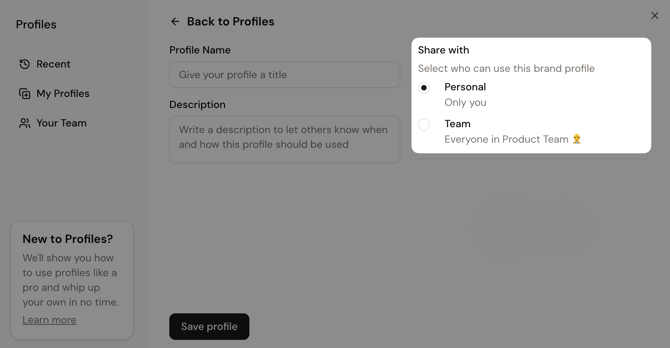
Shared Profiles are especially helpful for teams. When saving a Profile, you have the option share with individual users or across your entire group. Shared Profiles keep everyone’s outputs consistent and reduce off-brief detours.
Anytime you open up a new session, you can easily select Load Profile to add any of your previously saved Profiles or your shared Team Profiles into the session. 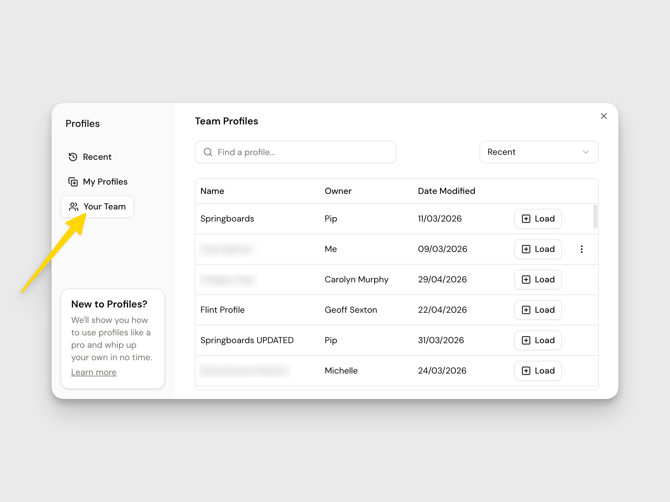
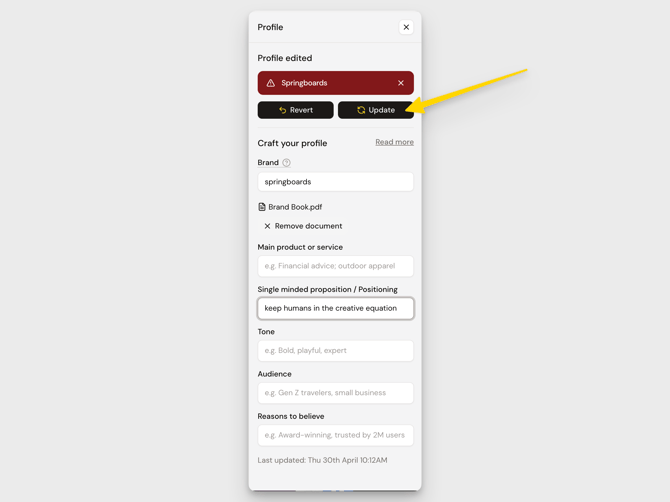
You can update your Profile anytime as your direction evolves. If you edit a shared Team Profile, you’ll be prompted to save it as a new version.