Areas Within a Workspace
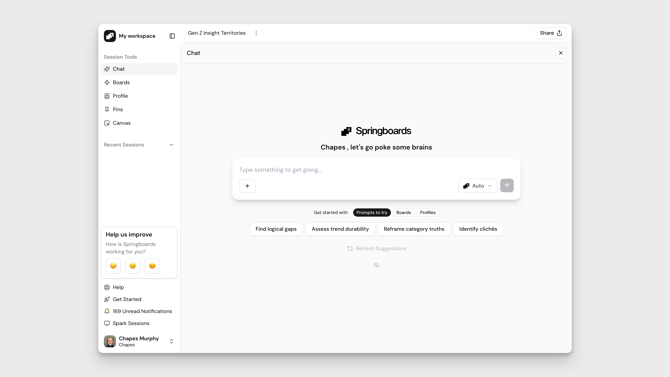
Sessions
- This is where work happens. Each session is a mini project that contains all of the chat generations, prompt settings, and curated highlights/canvas you might have created.
- Sessions can be shared with other users in your workspace.
Learn about Sessions
Dashboard
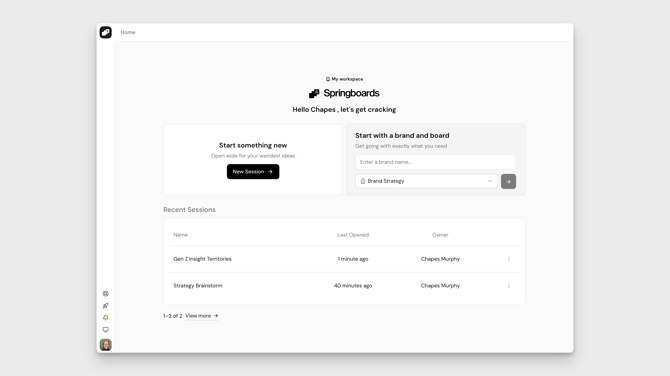
- This is where you can view and manage all of your sessions.
- You can also create new sessions from here.
Settings
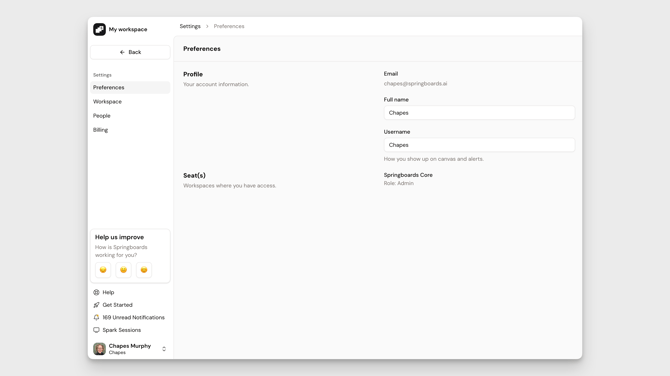
- This is where you can modify your own user settings.
- If you are an admin of a workspace you can also modify its settings (e.g., name).
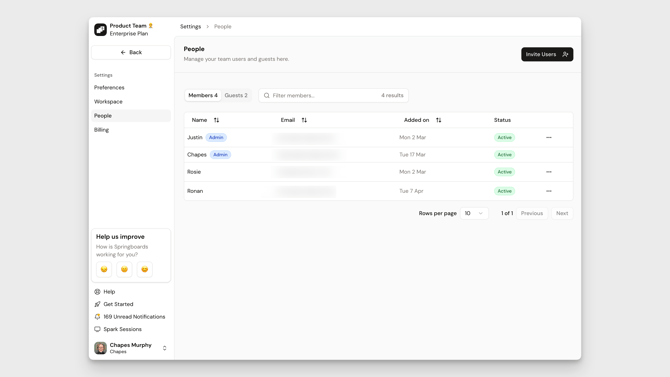
- Admins can also manage users and billings from here.
Workspace Details
Users
- Users belong to a workspace if they hold a seat in that workspace.
- Users can belong to multiple workspaces at the same time.
Learn about Managing Users in Your Workspace
Plans
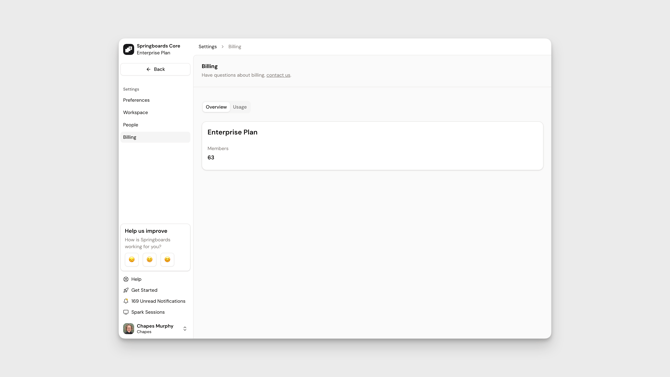
- A workspace is on a single plan at any one time.
- The plan, number of users, and billing frequency is used to determine how much you are charged.
Learn about Plans, Billing & Payment