Concept Machine Tool
The concept machine tool to generate original mockups or moodboard visuals in seconds!
Your Go-To Guide for Visual Magic.
What's This Board For?
The Concept Machine is your visual thinking partner. It helps you explore the look and feel of an idea, whether you’re building out a creative platform, moodboarding a direction, or capturing a vibe that’s hard to write down. It’s not about polish. It’s about unlocking what an idea could look like.
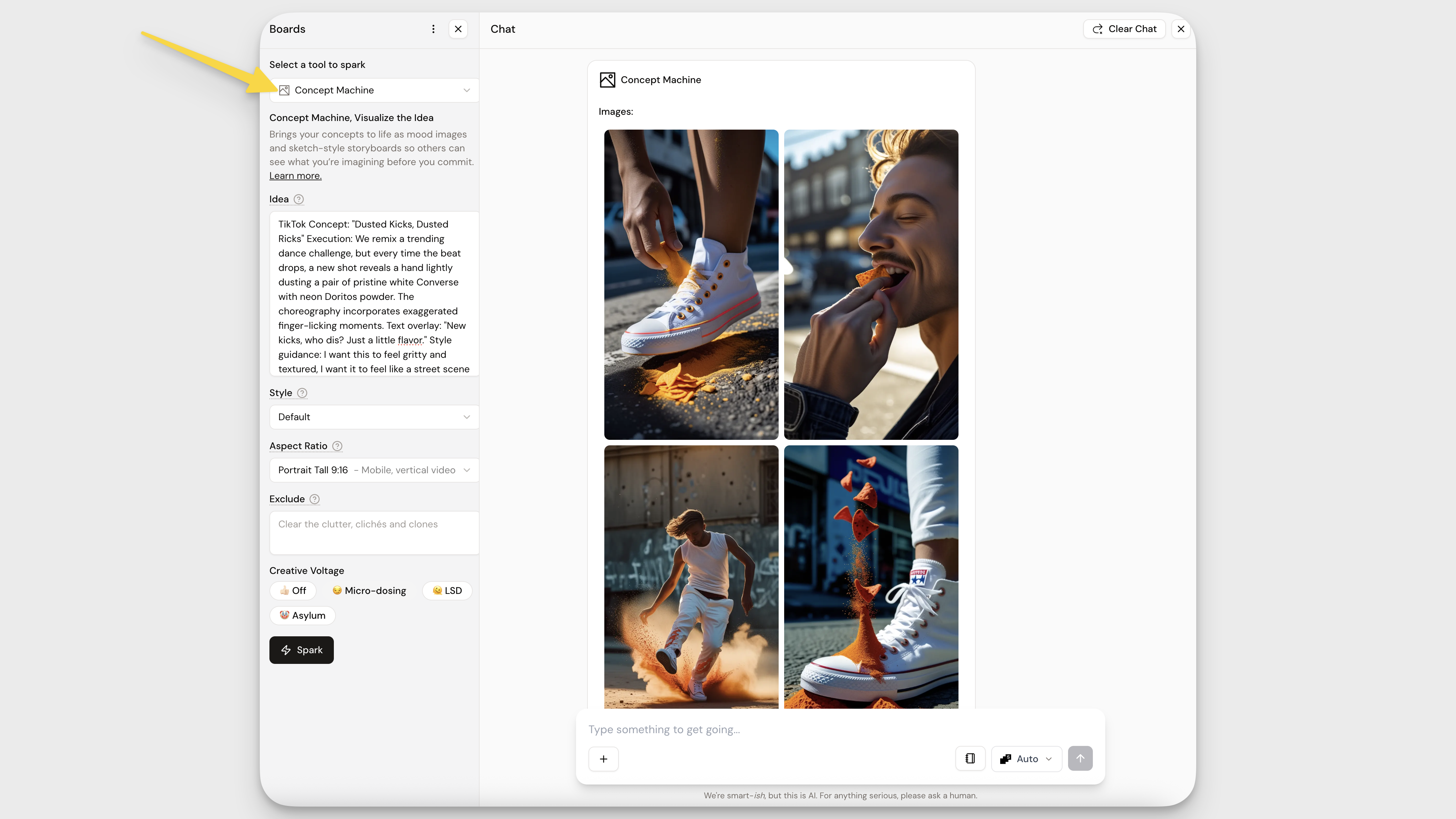
How to Use It
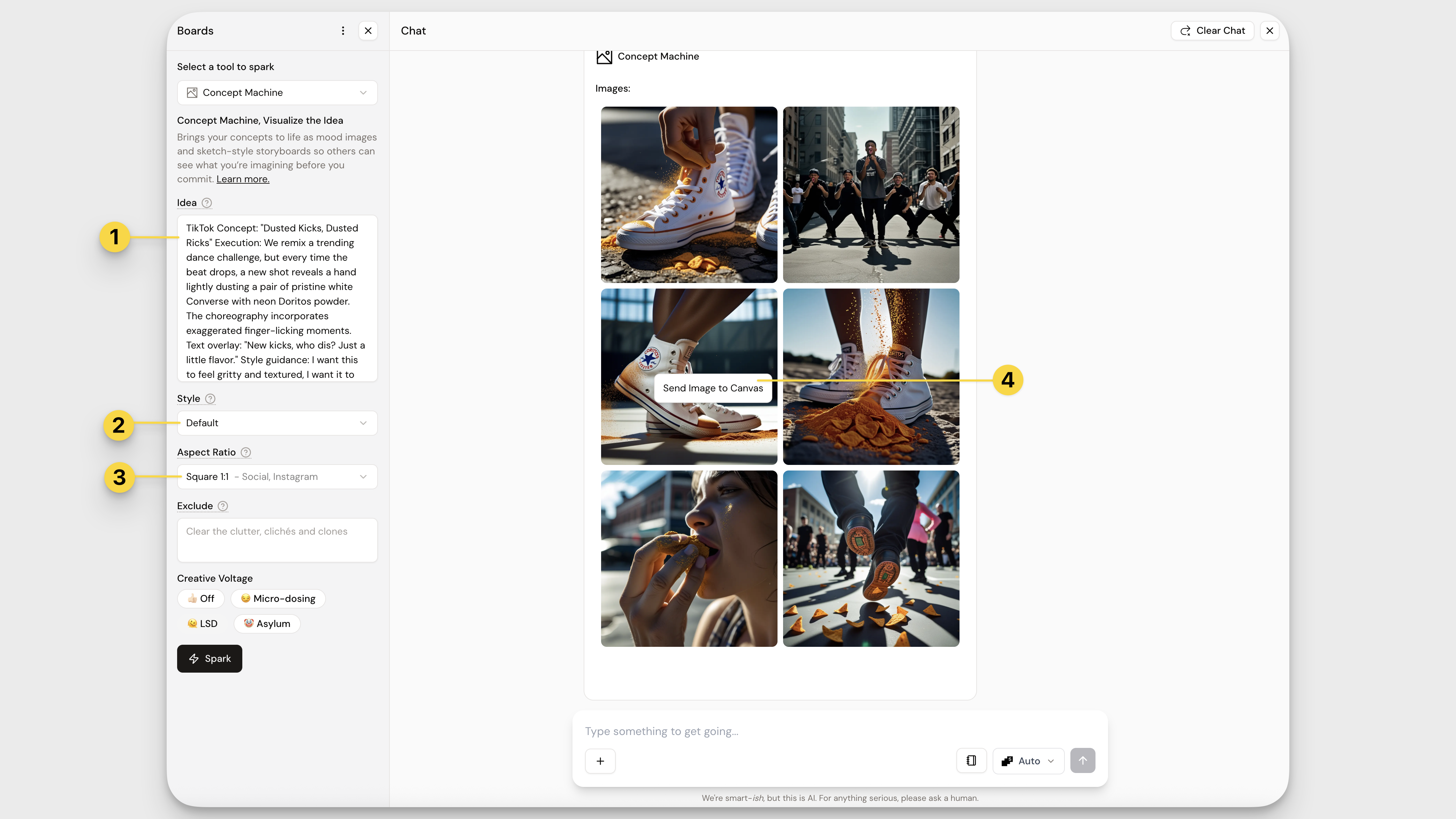
- Drag in your idea. Choose something you’ve already pinned or type in something new. Whether it’s a half-baked thought or a full script, the tool will run with it. You can also add art direction to shape the visual style (think: gritty documentary, bold collage, or ’90s fashion editorial).
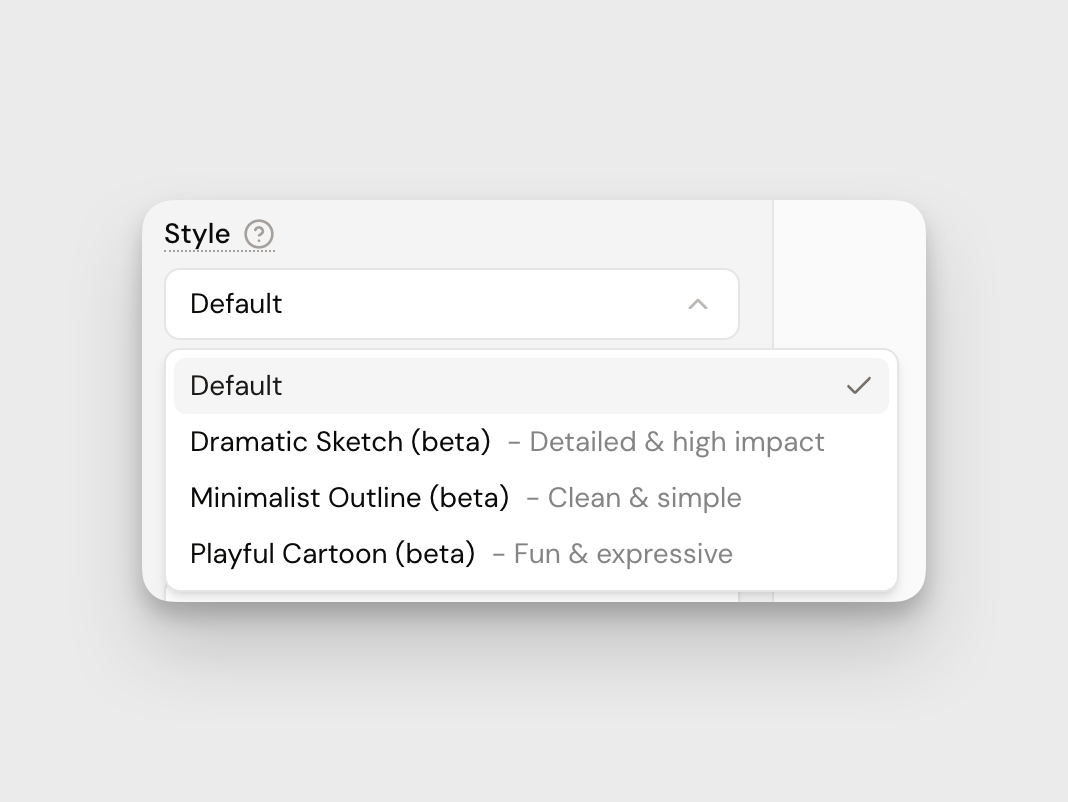
- Select your image style. Default gives you photo-style imagery. Want something more conceptual? Choose from our sketch styles, perfect for storyboarding: Dramatic, Minimalist, or Playful Cartoon.
- Pick an aspect ratio. Square, portrait, or landscape. Pick what fits your vision. Then hit Spark and let it cook.
- Refine & Save . Adjust the prompt, remix the tone, or Spark again to keep pushing the visual. When you're happy with an image, right-click an image to send it to Canvas, or drag it straight to your desktop or into a doc your working on.
Understanding the Output
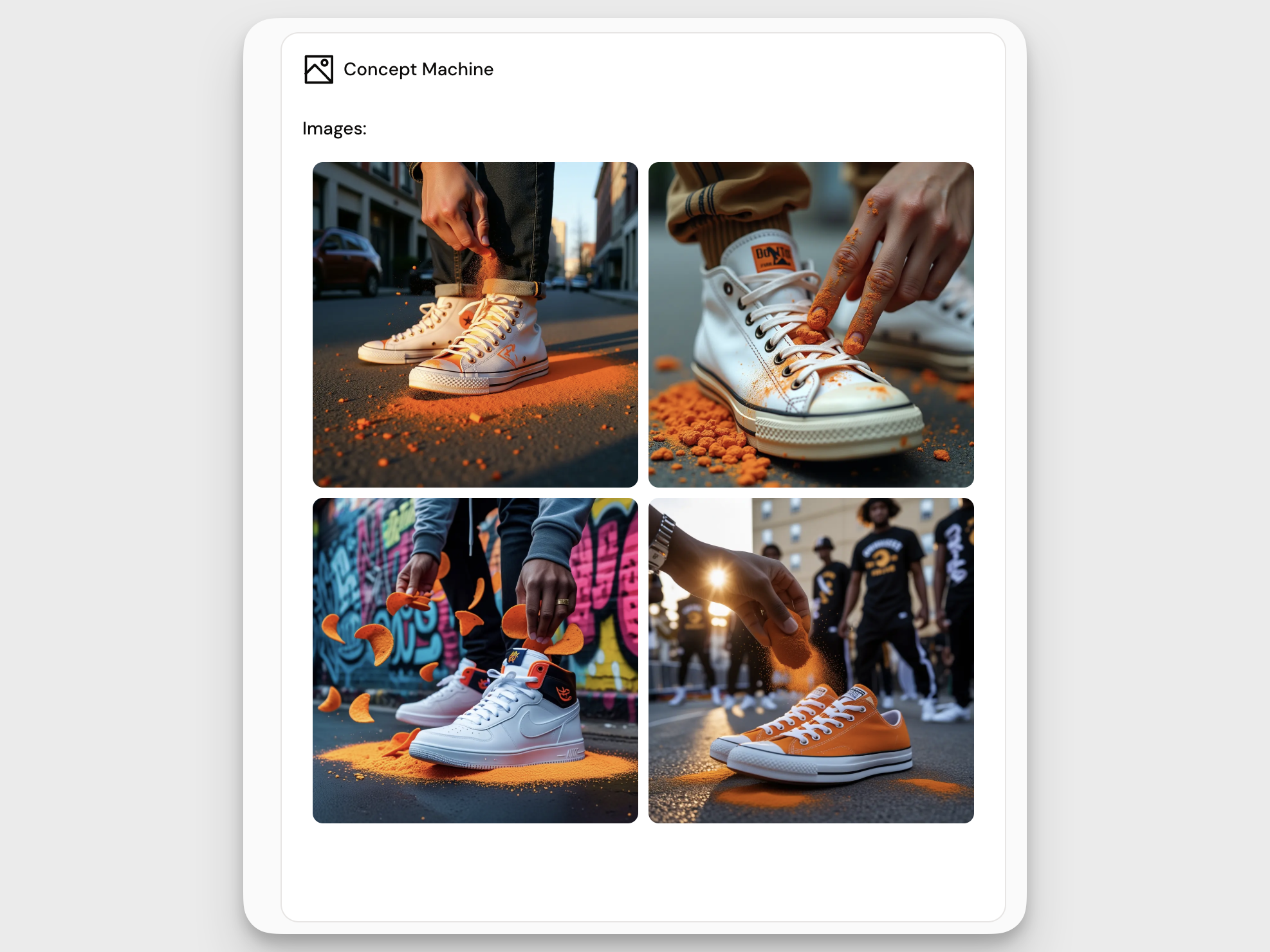
Each Spark from the Concept Machine populates your output board with 4–6 visuals, each a different take on your prompt.
Here’s what shows up:
What you see depends on the Image Style you selected:
Default (Photo) Photorealistic or rendered imagery, great for mockups, decks, and mood boards. | Use this when you want a more “real-world” look to inspire styling or campaign direction. |
Dramatic Sketch Moody, high-contrast black-and-white sketches. | Ideal for concepts that need emotional pull, intensity, or early-stage cinematic storyboarding. |
Minimalist Outline Simple line work with little shading. Conceptual and clean. | Perfect for visualizing abstract ideas or keeping the focus on structure, not style. |
Playful Cartoon Bold, colorful, exaggerated visuals with a cheeky tone. | Great for exploring humorous, lighthearted, or youth-focused concepts. |
Heads Up
- No celebrity look-alikes unless you enjoy legal drama.
- Keep it on-brand. Make sure your visuals align with the project vibe.
- And remember: A spark is just the start, refine to make it shine.
- You can't pin images. Right click to send images to Canvas.
Pro Tips
- Think visually. Add cues like "shot on 35mm," "futuristic minimalism," or "in the style of brutalist architecture."
- Play with aspect ratio, different sizes = different storytelling
- Go weird. Surreal combos can unlock creative breakthroughs
- Drag a script into your idea input field and watch the system generate a storyboard
- Chat can generate images too, just ask.
Now go create something visually stunning. 🤩
How did we do?
Execution Generator Tool
Personas Explorer Tool
