Your Dashboard Guide
Your home base for launching, organizing, and driving creative sessions.
Welcome to Your Home Base
Your dashboard is the launchpad for everything inside Springboards. From here, you can start something new, jump back into past work, or stay in sync with your team. Here's a rundown of what you'll find there:
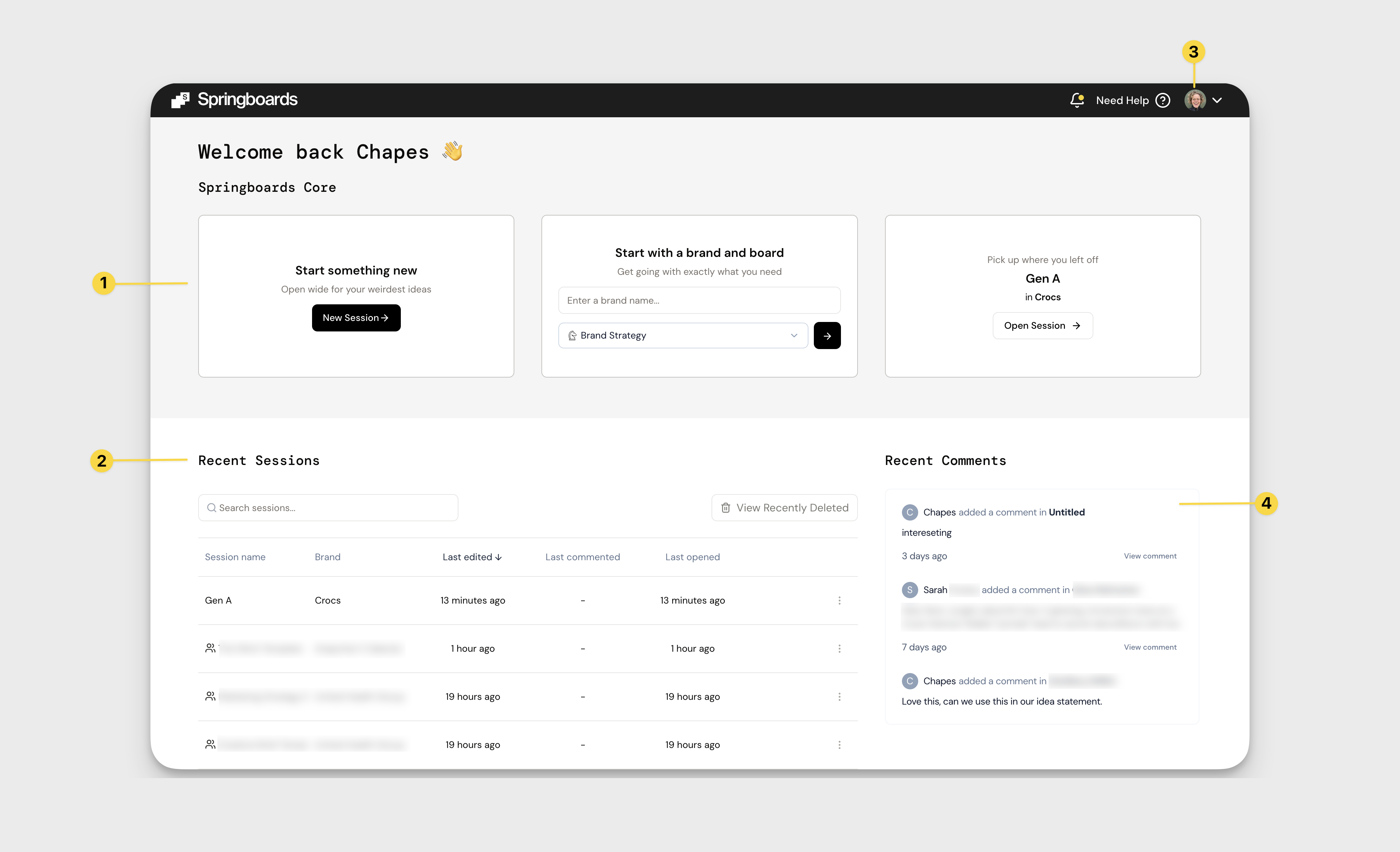
1. Start a Session
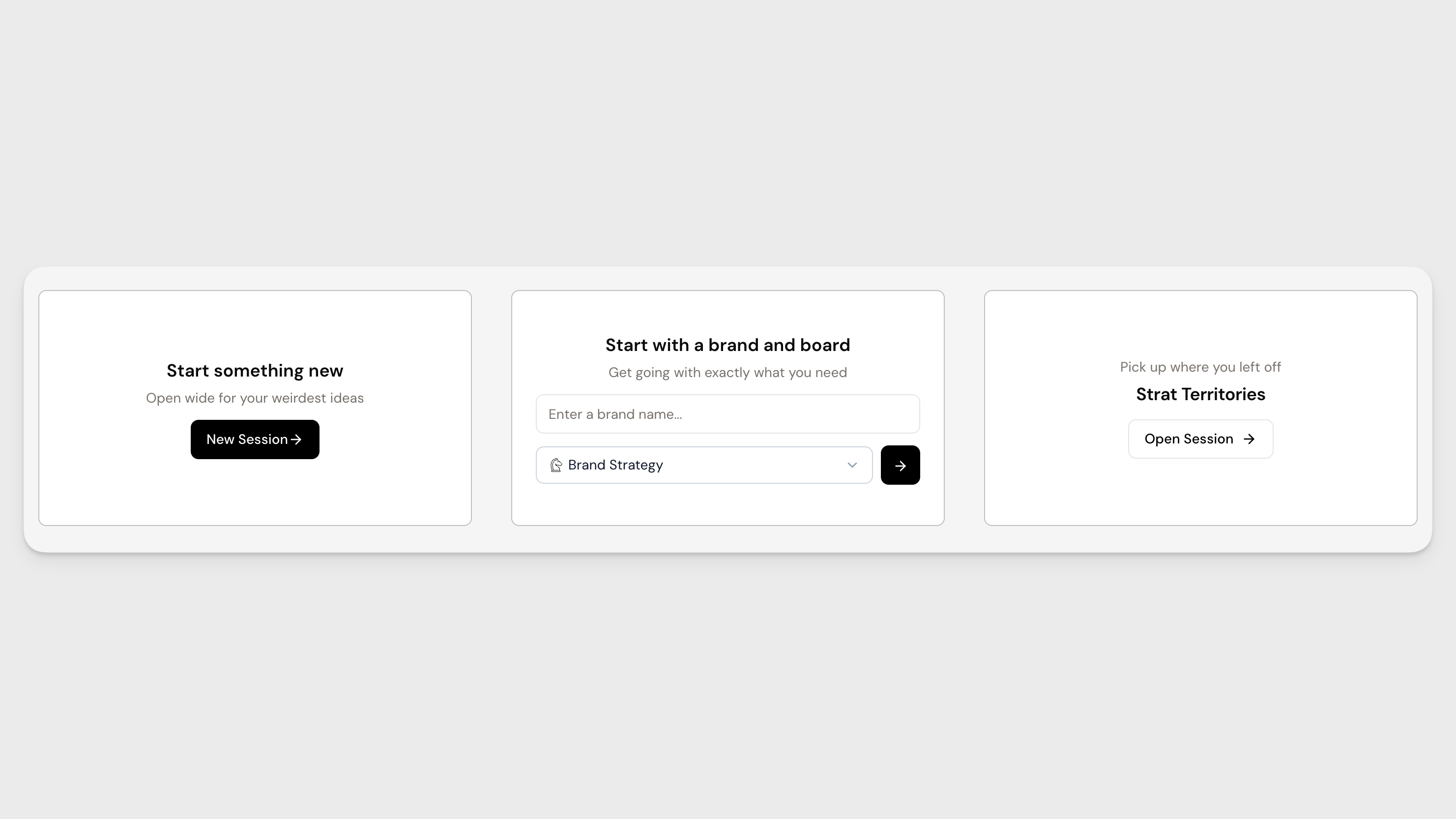
At the top of your dashboard, you’ll see three ways to begin a session:
- Start something new: Click New Session to open a fresh session and jump straight into thinking.
- Start with a brand and board: Enter a brand name and choose a board to begin with more structure from the outset. This is ideal when you know exactly what you’re working on.
- Pick up where you left off: Quickly reopen a recent session and continue building without losing momentum.
2. Recent Sessions
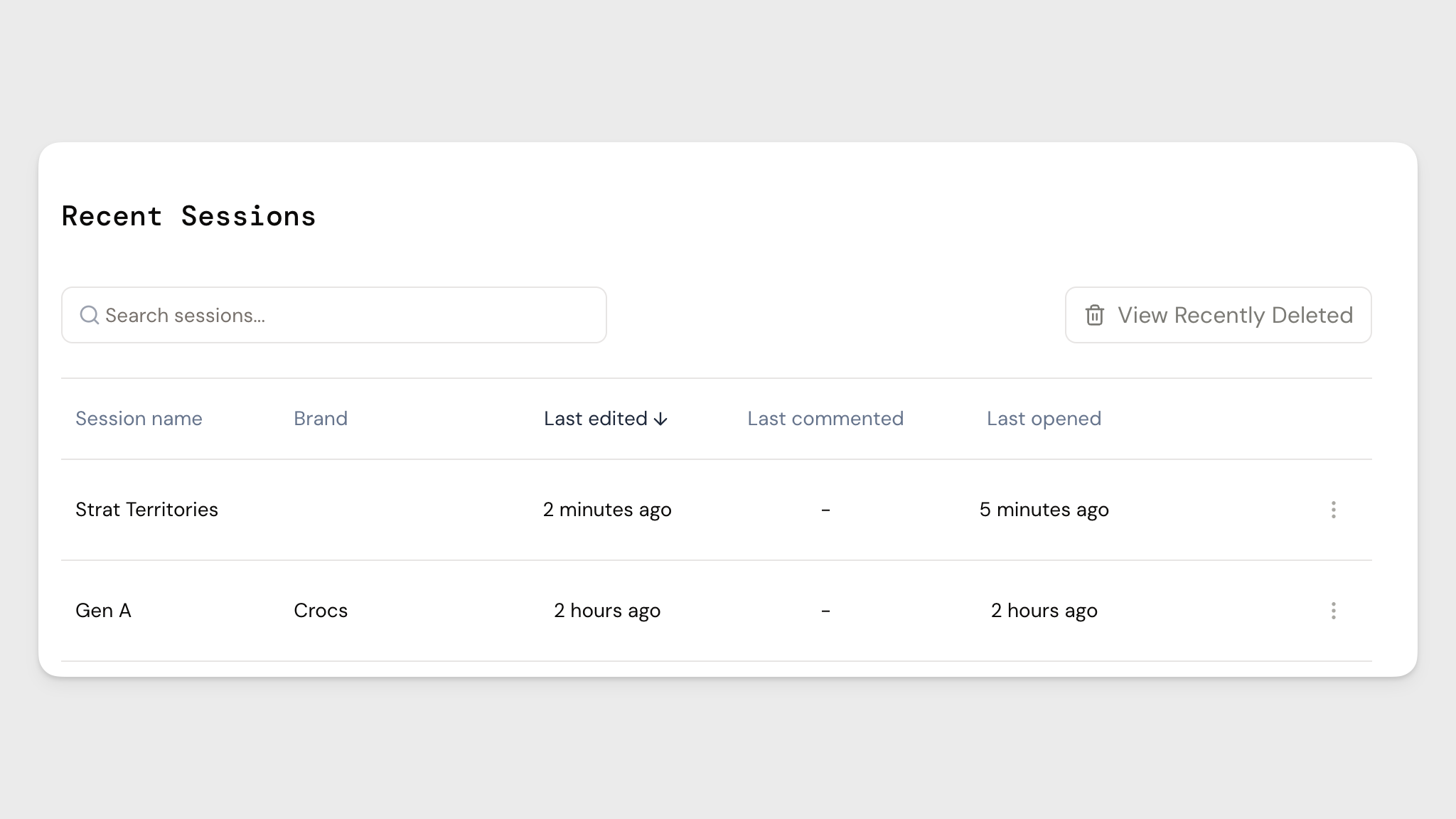
This is where all your previous work lives.
Every session is automatically saved, so you can return to any project at any time. Use the search bar to quickly find what you’re looking for, or click View Recently Deleted to restore past work.
Click on any session to open it. Stacked person icons indicate shared sessions with collaborators. Use the three dots to the right of a session for additional options like sharing or deleting.
3. Account Settings & Help
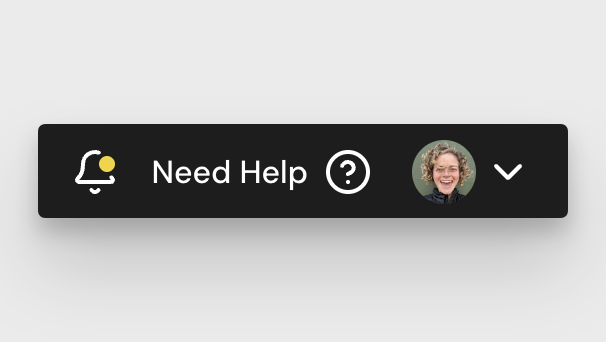
In the top right-hand corner of your dashboard, click your profile picture to access your account settings. Here, you can update your name, role, and language preferences.
You’ll also find Need Help in the top navigation. This gives you access to support resources if you need a hand.
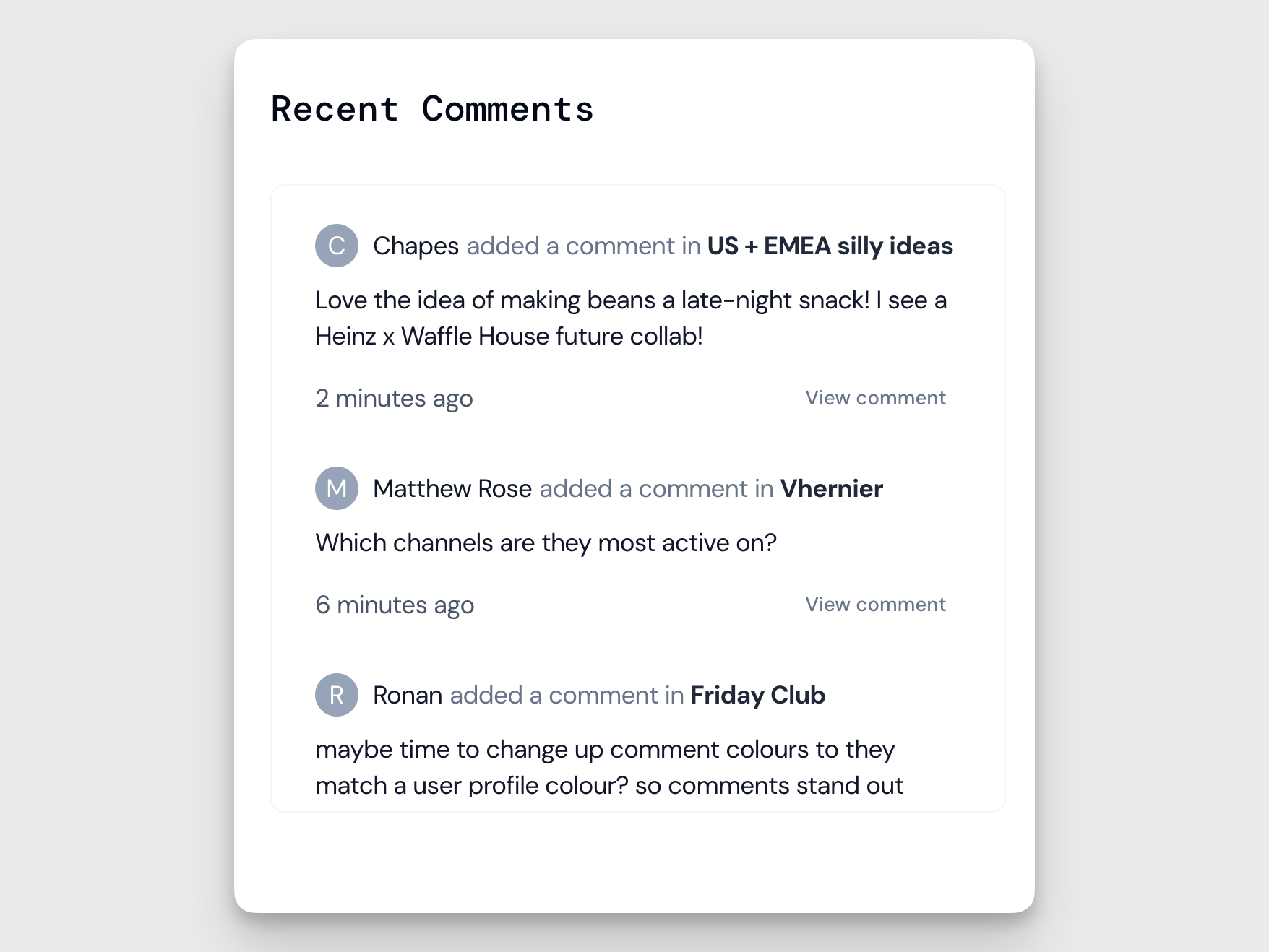
4. Recent Comments
Stay aligned with your team’s input.
This section shows the latest comments across your shared sessions, along with the commenter’s name and the session it relates to. Click on any comment to jump directly to it and continue the conversation.
How did we do?
Chat
Profiles
